Guide to the Guest Room TV Interface Content



Send your text and images to Enseo.
We build your custom guest room TV interface.
You review your theme and request changes.
Approve your completed theme before launch.
Enseo tests every detail to ensure everything works as expected.
Your guest room TV experience is ready to go live.
To begin developing your custom guest room TV interface, we must receive all required text and image assets.
Upload the images you'd like in your Theme. For the best results, adhere to the guidelines below.
Image Requirements
Images can be sent through DropBox, WeTransfer, Google Drive or any online storage sharing website. We highly recommend WeTransfer*.
*Please include full property name, email address, and contact name within WeTransfer message.
Theme development begins once we've received your complete content package, including all required text and image assets.
To help keep your theme on schedule, please submit all required content at least 2–3 weeks before your installation date. Delays in content submission may impact your planned launch timeline.
Most themes are completed within 2–3 weeks after we've received your complete content package. This timeline includes development, revisions, quality assurance testing, and preparation for launch.
Timely feedback and approvals help keep development moving and support your planned installation schedule.
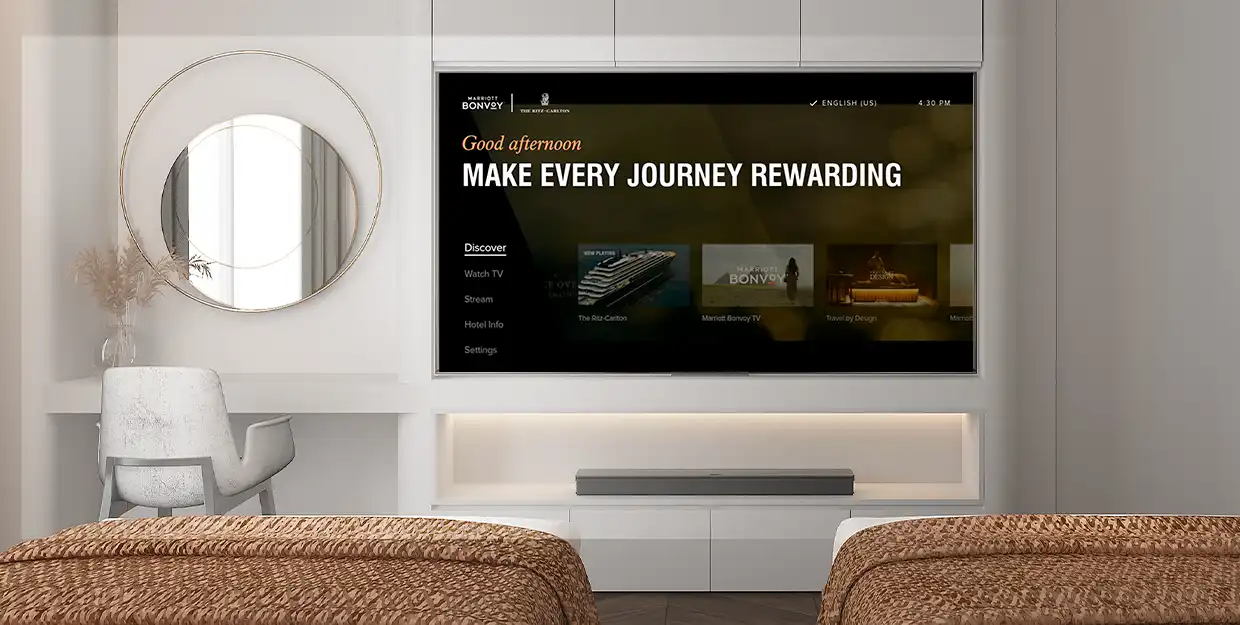
Once your theme has received final approval and has been launched, future content updates are available for an update fee of $450. This service includes development, revisions, quality assurance testing, and republishing.
Most updates are completed within 2–3 weeks. Expedited turnaround may be available for an additional fee.
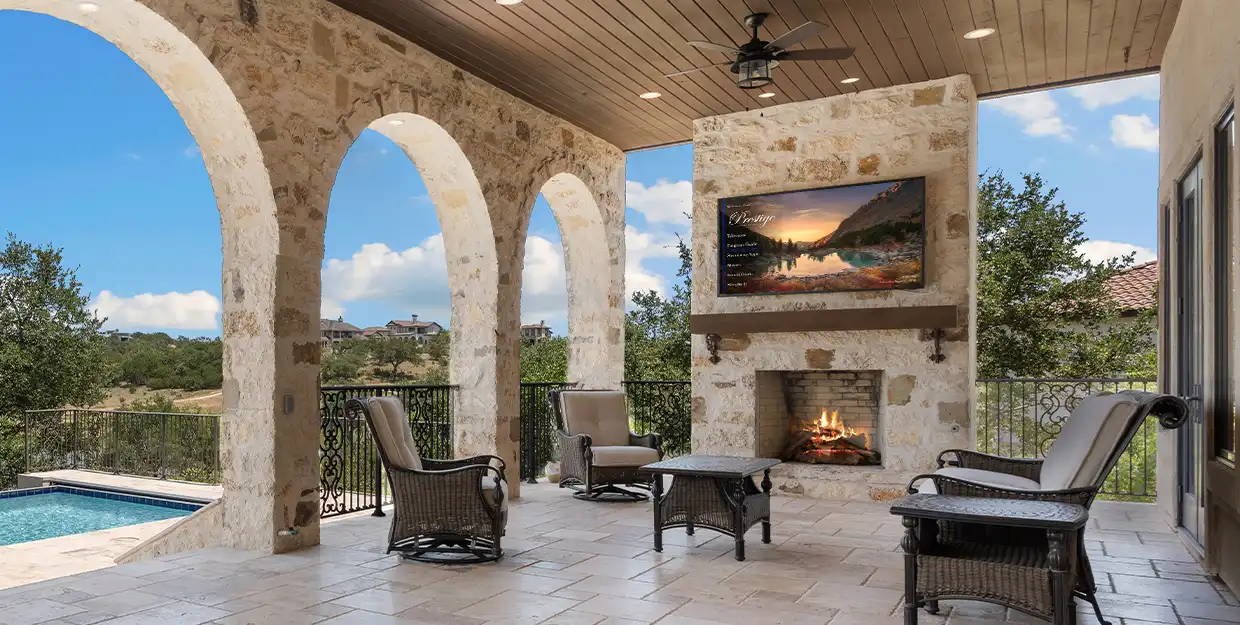


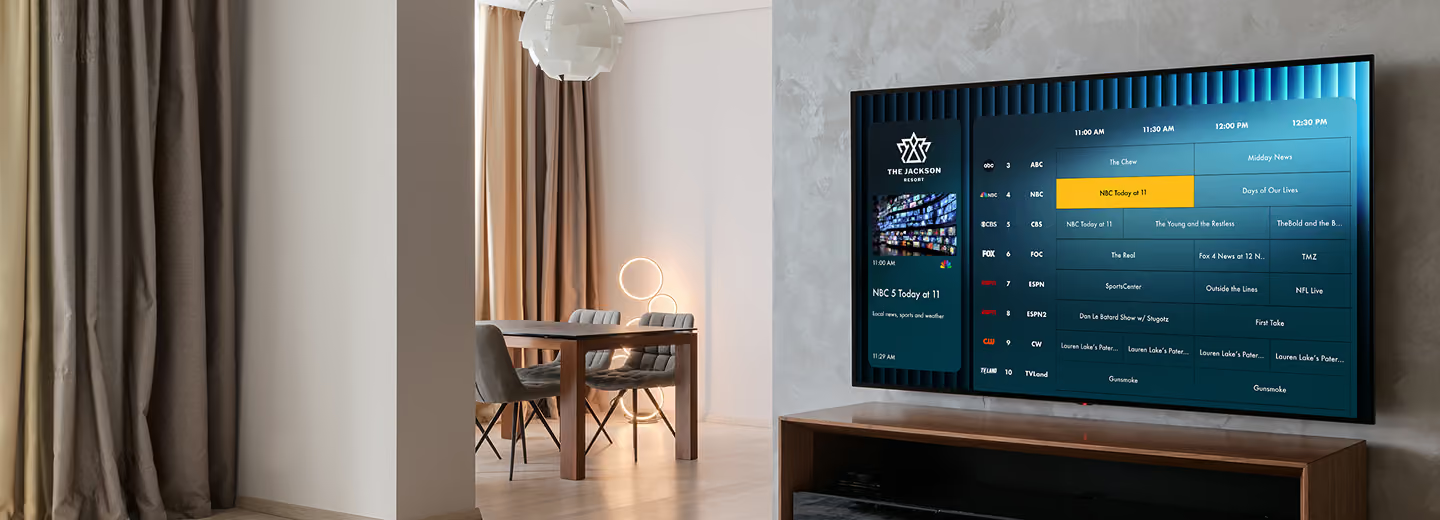
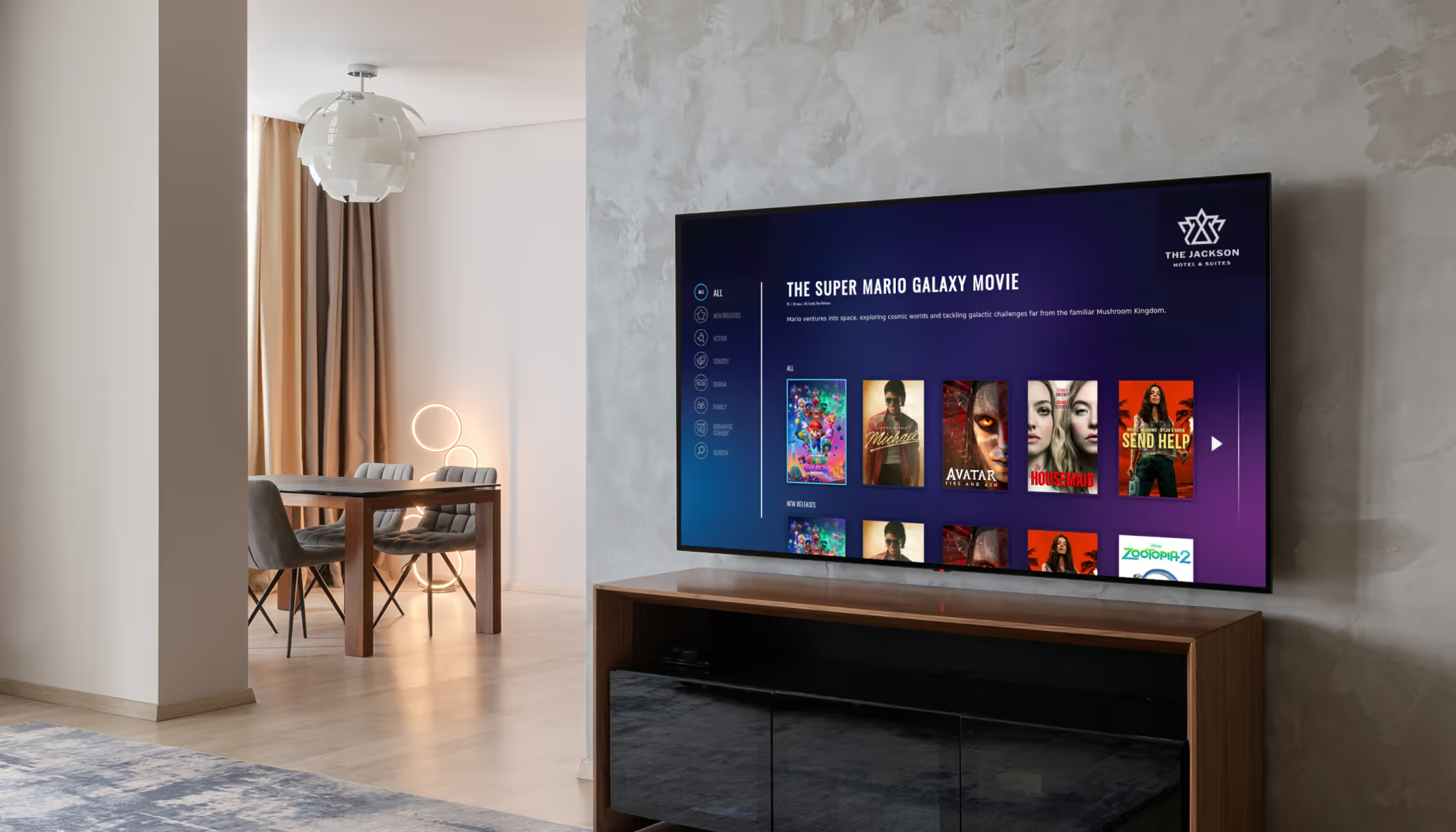
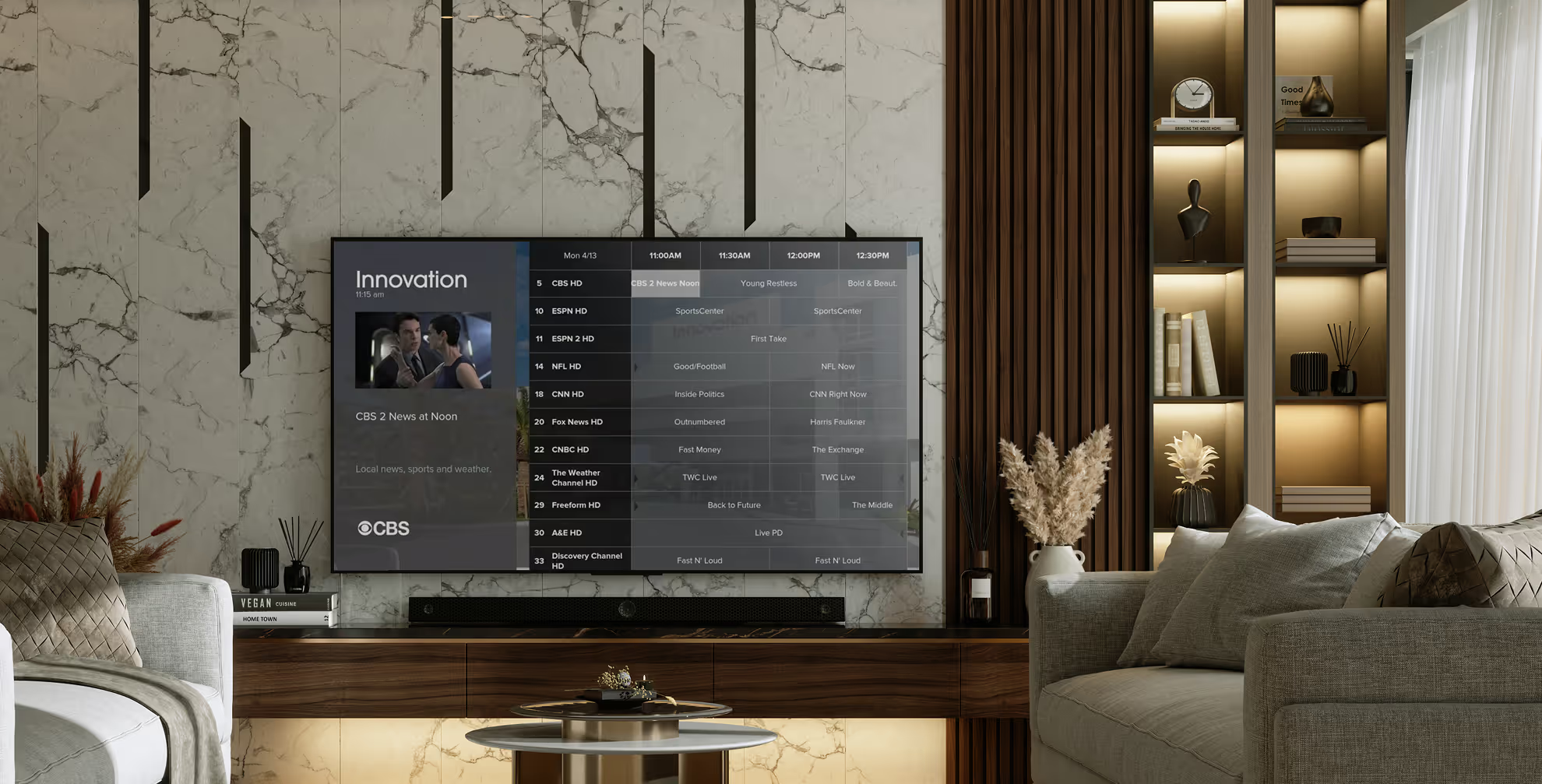
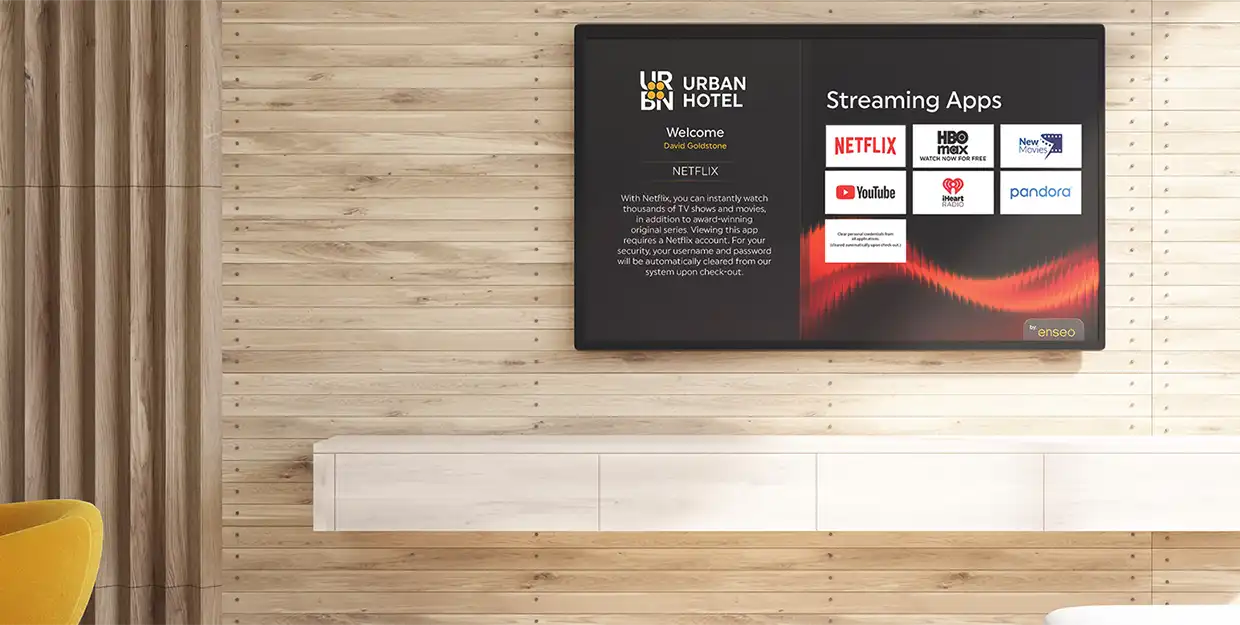
A theme is the overall branded user interface. It consists of the welcome screen, channel guide, streaming apps and the on-screen hotel directory as well as other features purchased by your property.
After you receive confirmation that we have received all the assets, we’ll begin development of your theme and directory. Screenshots of your property directory will be provided for your review and final approval, before moving into testing.
Once the screenshots are approved, we’ll submit the theme to internal testing and the theme should be onsite within 5-7 business days.
Low resolution images will appear very pixelated and blurry from a TV in your guest’s room. As we want the highest of quality for your property and your guest, we request that all images be high resolution with a minimum of 2MB at 300 dpi, and in a JPEG, PNG or TIFF format.
Please Note: If an image does not fit the quality standard, our team will notify you.
Yes. Every property will have an opportunity to review and make edits to their on-screen hotel directory prior to publication.
Yes, Food & Beverage menus can be added as well as Spa Services, Room Service and more. Each menu screen counts as a Hotel Directory page. If you’re interested in adding menus, please provide the original creative doc if possible, and we’ll send screenshots for you to review. Additional hotel directory pages are available for purchase.
A House Channel is a channel within the guide that can play video(s) on loop. The videos can be promotional videos, brand videos, or property-specific or seasonal videos. The video can stream to any screen within the UI such as the Welcome Screen, Hotel Directory, etc. Ask your marketing contact today if you’re looking to add videos.
Every property will have an opportunity to review and make changes to their property’s theme prior to publishing live to the property. Any change requests after the final approved theme has been published are subject to a change fee of $450, which includes one hour for design work and one hour for testing and publishing to the property. Work exceeding two hours is $150 per additional hour.
Additional pages may be purchased at any time for $450 per page (or $1,800 per 5 pages). Please contact your marketing contact for more information.
We hope to provide you with helpful information to make your Enseo Experience a positive one. Below are contacts that will best assist you, however you’re welcome to reach out to our marketing team with any questions you may have.
I have questions regarding the theme and/or on-screen hotel directory:
Please email your Enseo marketing contact or email Marketing@enseo.com.
I want to purchase additional features:
sales@enseo.com
I’m having TV related issues:
Your Hotel IT or Engineering department can contact the Enseo 24/7 Call Center. Appropriate contact numbers are located here.
Please send all questions and concerns regarding your Guest Room Entertainment standards to GuestRoomEntertainment@marriott.com.